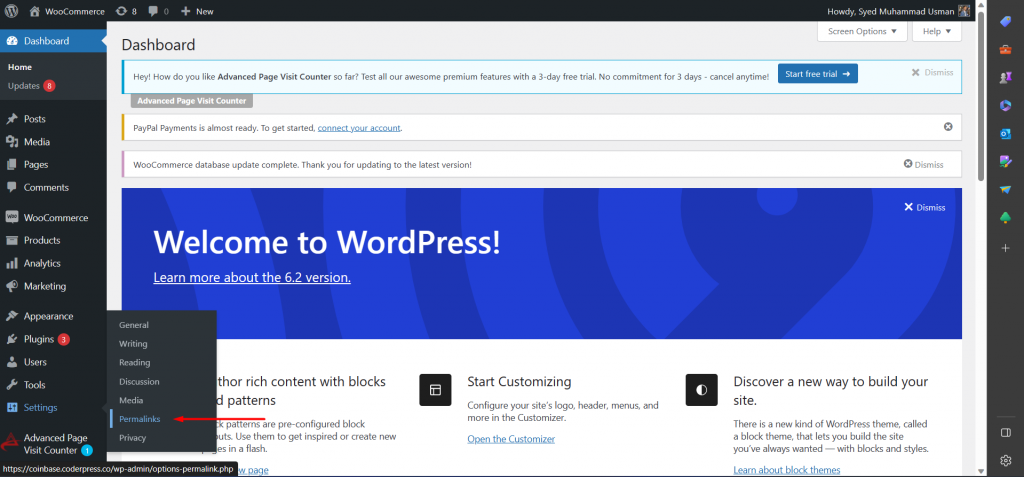
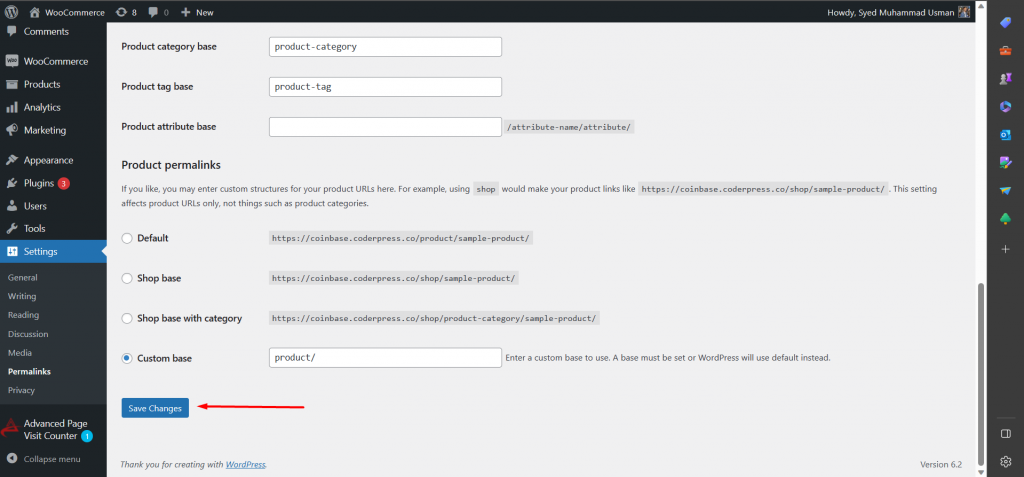
How to Refresh Permalinks in WordPress April 18, 2023 · smusman98 OpenAI Perplexity Login to your WordPress admin panel. Product Gallery Slider for WooCommerce 🖼️Show sliding product images on WooCommerce store. 🚀Get Started in just $5.99 2. Go to Settings -> Permalinks 3. Save it You are done, Permalinks are refreshed 😃. Comments Leave a Reply Cancel replyYour email address will not be published. Required fields are marked *Comment * Name * Email * Website Save my name, email, and website in this browser for the next time I comment. Notify me of follow-up comments by email. Notify me of new posts by email.


 OpenAI
 Perplexity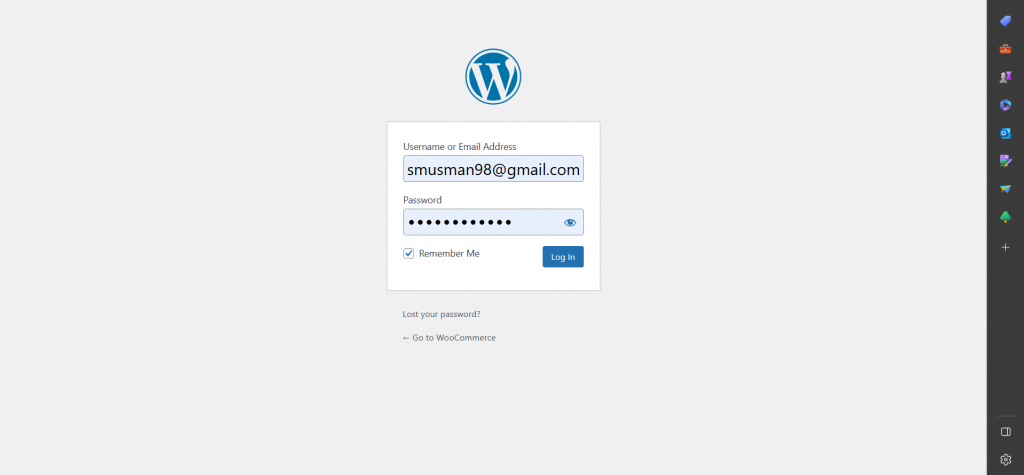


Leave a Reply